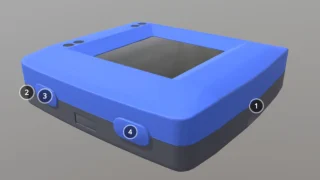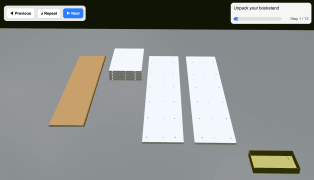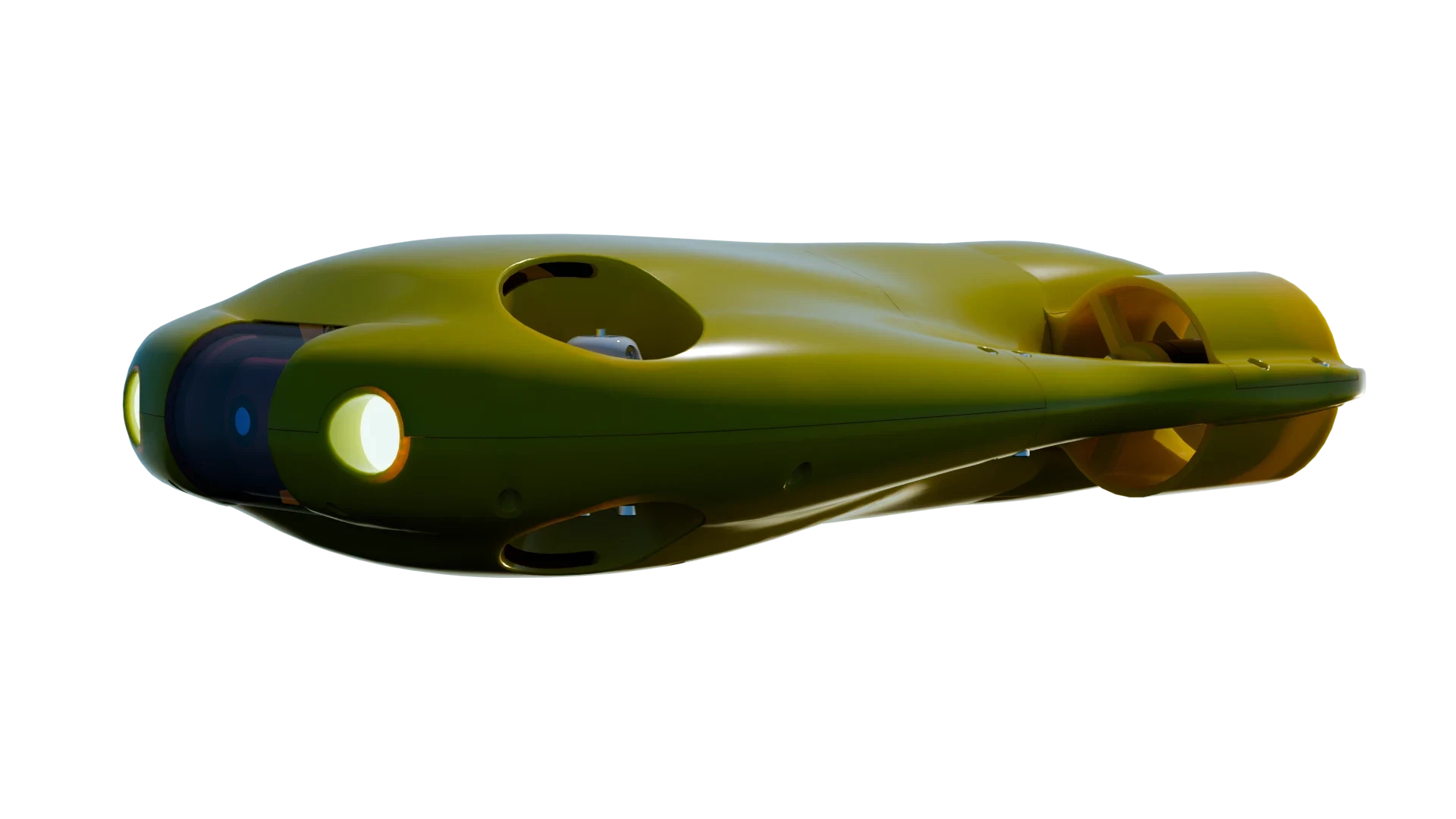
The technology behind this has become far more accessible thanks to tools like <model-viewer>, an open source web component developed by Google. With it, brands can embed a 3D model on a page with just a few lines of code, no plug-ins or special apps required.
Implementing Interactive Elements in Web Designs
Here is an example of how a product might be displayed:
<script type="module" src="https://unpkg.com/@google/model-viewer/dist/model-viewer.min.js"></script>

<model-viewer
  src="https://modelviewer.dev/shared-assets/models/Astronaut.glb"
  alt="3D model of an astronaut"
  auto-rotate
  camera-controls
  ar
  style="width: 100%; height: 500px;">
</model-viewer>
With this, customers can rotate the product, view it from different angles, and even place it in their own space using augmented reality on supported devices.
Driving Conversions and Reducing Online Returns
The benefits are clear. Interactive 3D models can make shoppers feel more confident about what they are buying, reduce return rates, and differentiate a brand from competitors. You can also browse our other interactive 3D models to explore how different objects handle real time web interaction. Of course, building high quality models requires an investment in time and expertise, so the best approach often combines traditional product photos with interactive 3D.As ecommerce moves forward, features like <model-viewer> are helping online stores bridge the gap between physical and digital shopping experiences.