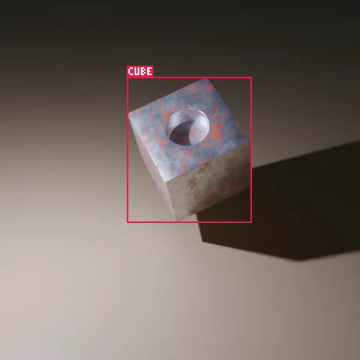
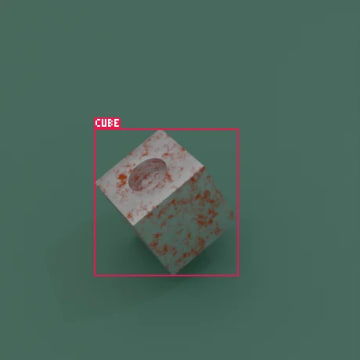
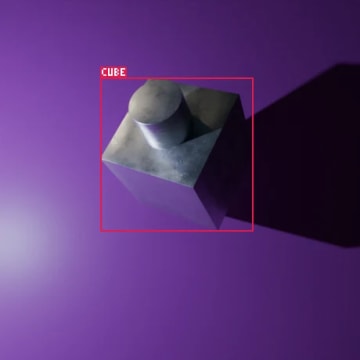
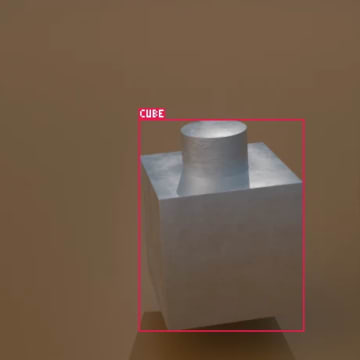
Blendmentation

Generate synthetic, augmented training datasets from Blender scenes.

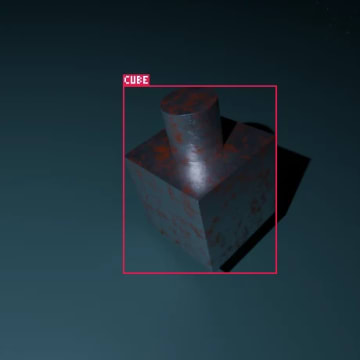
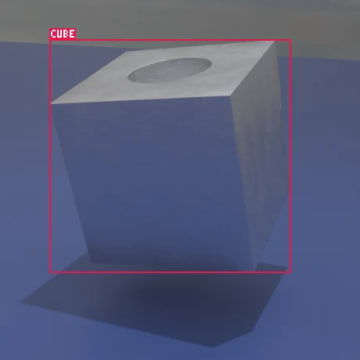
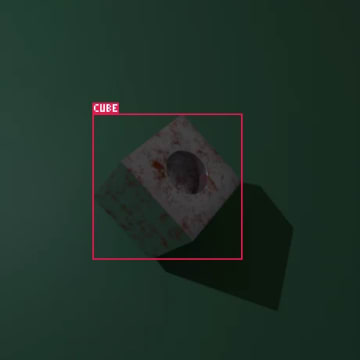
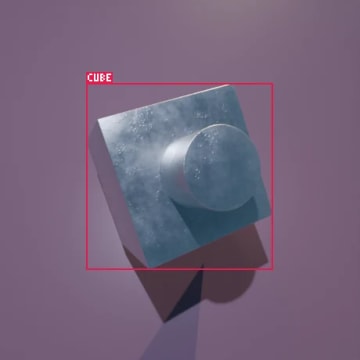
Blendmentation is our open source Python library for computer vision datasets. You describe your dataset as composed steps, in the style of torchvision and albumentations: randomize the scene, render it with automatic annotations, restore it, and repeat. When it is done, export the labels to COCO, YOLO or Pascal VOC.

Blender 4.0 or newer · No extra dependencies · GNU AGPL v3

How It Works

Every datapoint goes through the same four steps, written as plain Python in your Blender scene.

transform
Step 1

Augment

Randomize objects, materials, the camera and any other value in the scene.

image
Step 2

Generate

Render the image, passes, AOVs and masks, and write a JSON label for it.

restore
Step 3

Restore

Put the scene back as it was, ready for the next datapoint.

file_download
Step 4

Export

Convert the finished dataset to COCO, YOLO or Pascal VOC.

What It Can Do

  • Bounding boxes, segmentation masks per class or instance, and custom masks from shader AOVs
  • Random translation, rotation and scale of 3D objects
  • Objects randomly shown or hidden, with boxes, masks, occlusion and keypoints that always match the render
  • Objects placed to rest on a surface after they move, even an uneven one
  • Augmentation of any value in Blender, including but not limited to shape keys, Geometry Nodes inputs, shader node values and armature poses
  • Ready-made augmentations such as LookAt, FocalLength and DepthOfField
  • Probability control on every augmentation and every step
  • Any Blender value saved to the label, along with camera intrinsics, extrinsics and keypoints
  • Automatic sanity checks that skip datapoints with too much overlap (IoU), truncation or occlusion before they are rendered
  • Random backgrounds behind transparent renders: solid colors, noise or your own images, mixed by weight
  • Negative data support for more robust models, with distractor objects that belong to no class and are never labeled
  • Export to COCO, YOLO and Pascal VOC
  • Runs in Blender's bundled Python with no extra dependencies, or as the bpy module

Augmentations

Chain augmentations with Compose, and give any of them, or a whole chain, a probability p so it only runs part of the time.
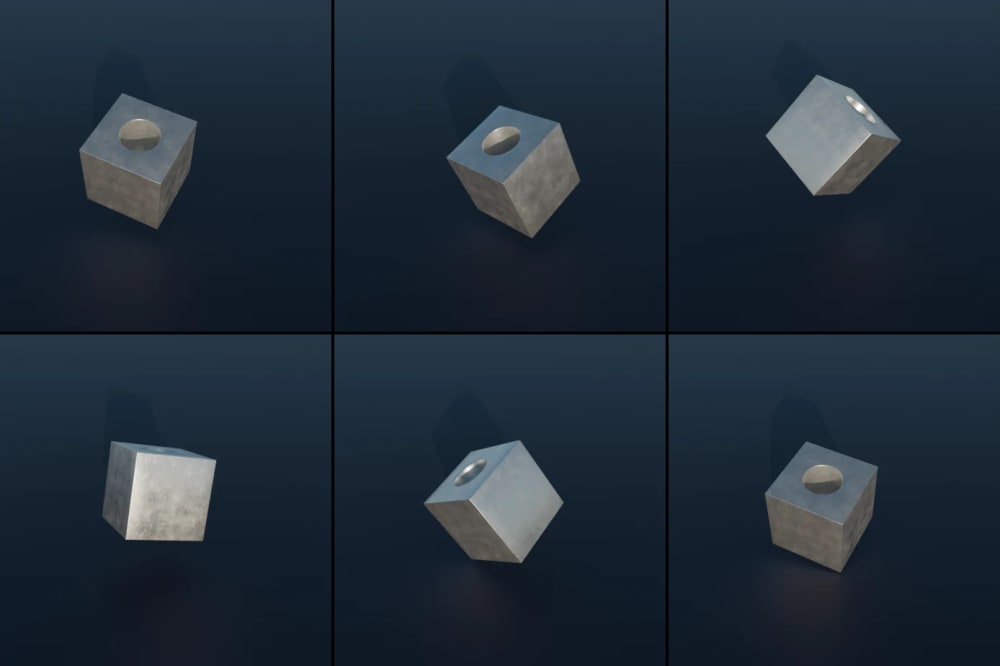
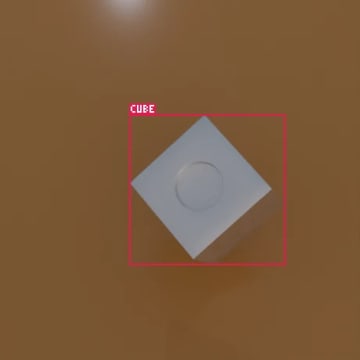
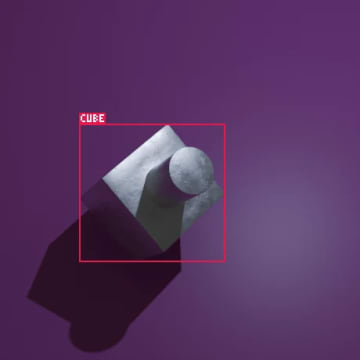
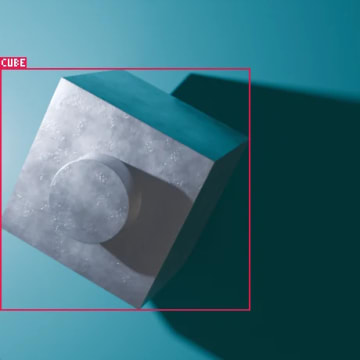
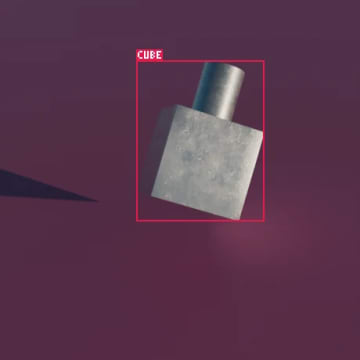
Six renders of a metal cube with randomized position, rotation and scale

Transforms

Random translation, rotation and scale on any axis, applied to every object in a list.
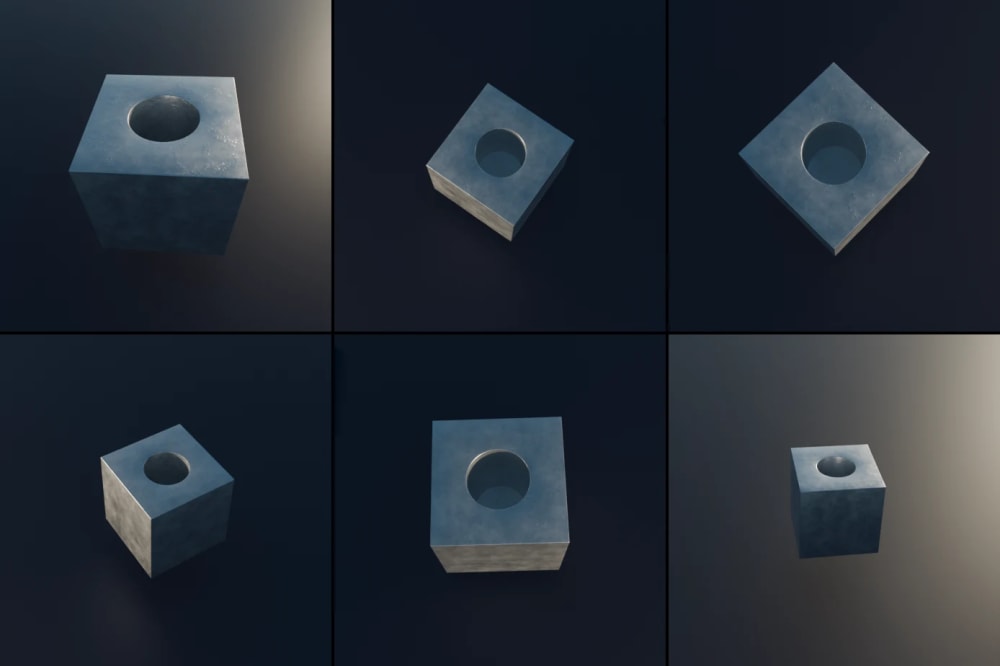
Translation Rotation Scale
Six renders of a metal cube seen from randomized camera angles, distances and focal lengths

Camera

Orbit the camera around targets by distance, elevation and azimuth, change the focal length while keeping the subject the same size, and add depth of field.
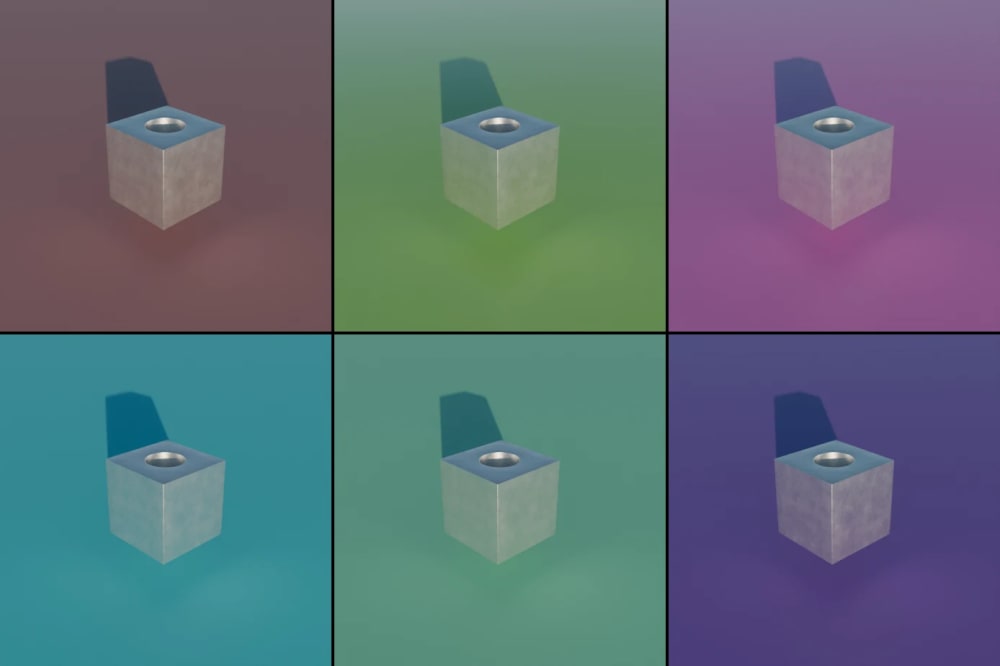
LookAt FocalLength DepthOfField
Six renders of a metal cube with randomized background material colors

Materials

Randomize a material's hue, saturation, roughness and other values for color and surface variety.
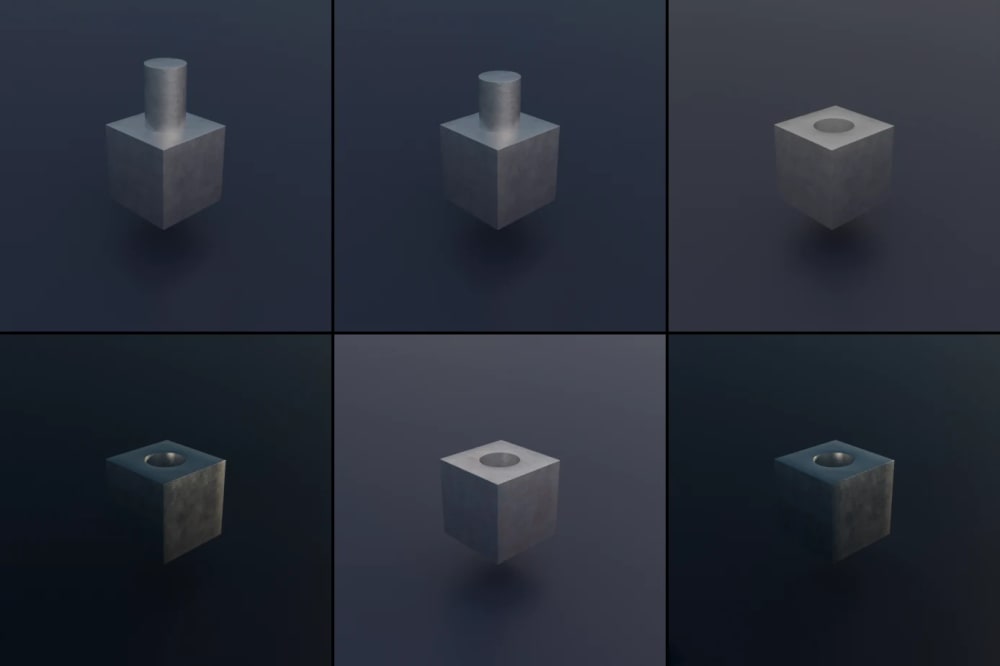
Material
Six renders of a metal part with randomized geometry settings and lighting

Any Value

Randomize any property by its data path: light energy and color, light type, shadows, modifier settings and anything else Blender exposes.

Number Vector Boolean Menu

Composed Together

Combine all of them in one Compose and every datapoint is a new mix of object poses, camera views, materials and scene settings.
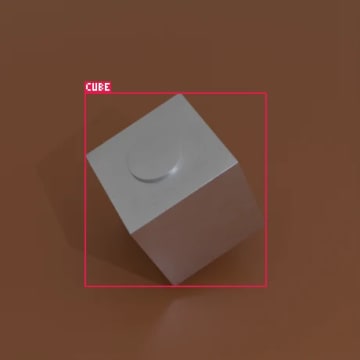
Datapoint 1 generated with all augmentations composed together Datapoint 2 generated with all augmentations composed together Datapoint 3 generated with all augmentations composed together Datapoint 4 generated with all augmentations composed together Datapoint 5 generated with all augmentations composed together Datapoint 6 generated with all augmentations composed together Datapoint 7 generated with all augmentations composed together Datapoint 8 generated with all augmentations composed together Datapoint 9 generated with all augmentations composed together Datapoint 10 generated with all augmentations composed together Datapoint 11 generated with all augmentations composed together Datapoint 12 generated with all augmentations composed together Datapoint 13 generated with all augmentations composed together

Outputs

Pick what to save for every datapoint. Annotations come straight from the scene, so they always match the image. You can also save a preview copy of every image with its boxes or masks drawn on top, to check the labels at a glance.

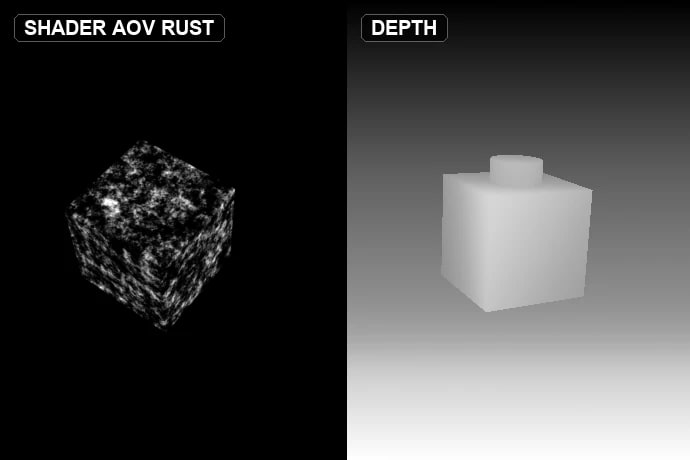
A shader AOV showing rust on a metal cube, next to a depth pass of the scene

Renders, Passes and AOVs

The rendered image, render passes such as depth and normals, and shader AOVs, with Cycles or EEVEE.

Render Passes AOVToImage
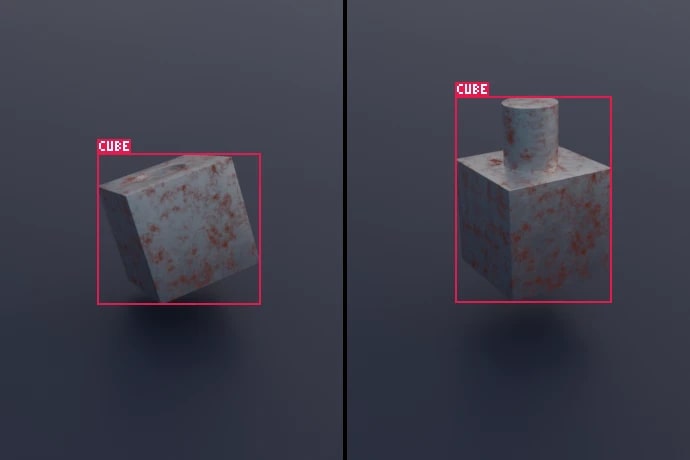
Two preview images of metal parts with their bounding boxes and class label drawn on top

Bounding Boxes

A 2D box for every instance of every class, computed from the geometry with modifiers included.

BBox BBoxImage
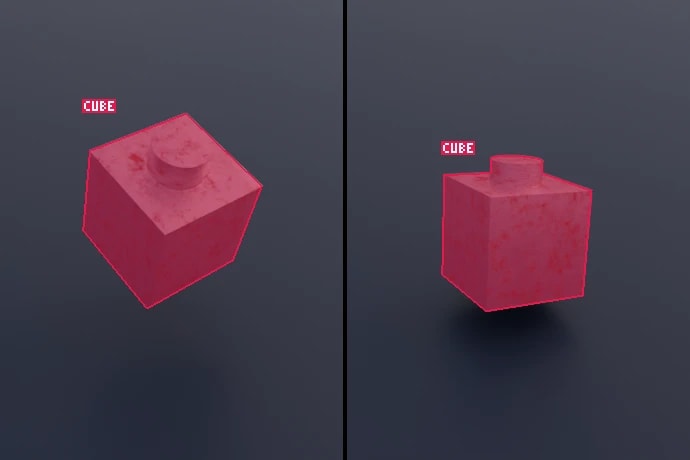
Two preview images of metal parts with their segmentation masks and class label drawn on top

Segmentation Masks

Masks per class, per instance, or both.

Segmentation SegmentationImage

Labels

Every image gets a JSON label, and almost anything in the scene can go into it: rotation matrices of objects relative to the camera, camera intrinsics and extrinsics (with OpenCV axes), focal length and depth of field settings, and 3D keypoints projected to the image with their visibility. Any other Blender value can be saved too, by its data path, such as light energy, a material color or a modifier setting.

RotationMatrix CameraData Keypoints OutputField

Datapoints can optionally be checked for faulty ones and skipped before rendering: when class instances overlap each other too much, when too large a part of an instance is out of frame, or when too much of it is hidden behind other objects. The limits can be set for all classes or for each one.

Export Formats

COCO

YOLO

Pascal VOC

Plain Python

Blendmentation runs in Blender's bundled Python and needs nothing else. It can also run as a Python module with bpy, without the Blender app.

  • Blender 4.0 or newer
  • Works with Cycles and EEVEE
  • Agent skill for Blender MCP
Installation guide
# 1. augment
objects_aug = augmentations.Compose([
    augmentations.Translation(x=0.5, y=0.5),
    augmentations.Rotation(z=180),
    augmentations.Material("CarPaint", hue=(0, 1)),
])

# 2. what to save for every datapoint
generator = generating.Compose([
    generating.Render(),
    generating.BBox(classes),
    generating.Segmentation(classes),
], path="//dataset")

# 3. the scene state to go back to
initial = state.State(cars, fields=objects_aug.augmentations)

for _ in range(1000):
    objects_aug(cars)
    generator()
    initial.restore()

# 4. training-ready annotations
export.coco("//dataset")

Need the Dataset?

Blendmentation is made by CSMX. We also build synthetic datasets as a service, from 3D models made from CAD files or photos to thousands of annotated images ready for training.