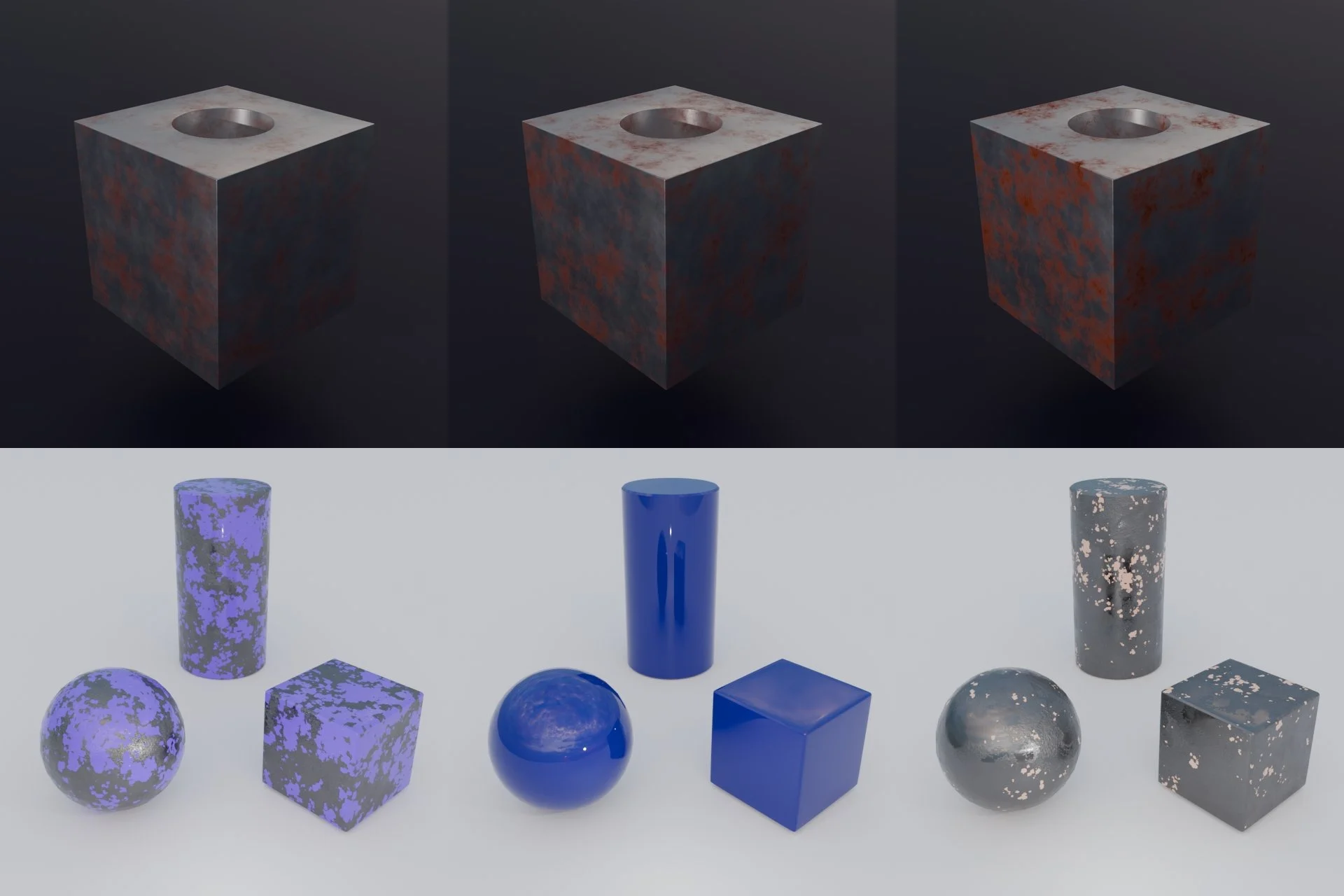
Blendmentation is an open source Python library we built for generating synthetic datasets from 3D scenes with Blender and its Python API, bpy. It is released under the GNU AGPL v3 licence, runs inside Blender 4.2 or newer, and needs no extra dependencies.
Why We Built Another Synthetic Data Tool
There are already several tools for generating synthetic datasets from 3D models. Most of them come with their own scene description, their own material system and a limited set of things you can randomize. As soon as your project needs something outside that set, you are stuck writing workarounds.Blendmentation takes the opposite approach. It does not replace Blender, it sits on top of it. You build your scene in Blender the way you normally would, with all its features, and Blendmentation gives you a way to randomize what you built in a controlled, repeatable way. That includes:
- complex shaders, with the option to write the randomized shader parameters into the labels
- Geometry Nodes setups, including a new random seed for every datapoint
- mesh transforms: translation, rotation and scale
- light and world parameters
- shape keys, modifiers and armature poses
- the camera, with ready-made augmentations such as LookAt, FocalLength and DepthOfField
In short, if you can create something in Blender, you can most likely augment it with Blendmentation.
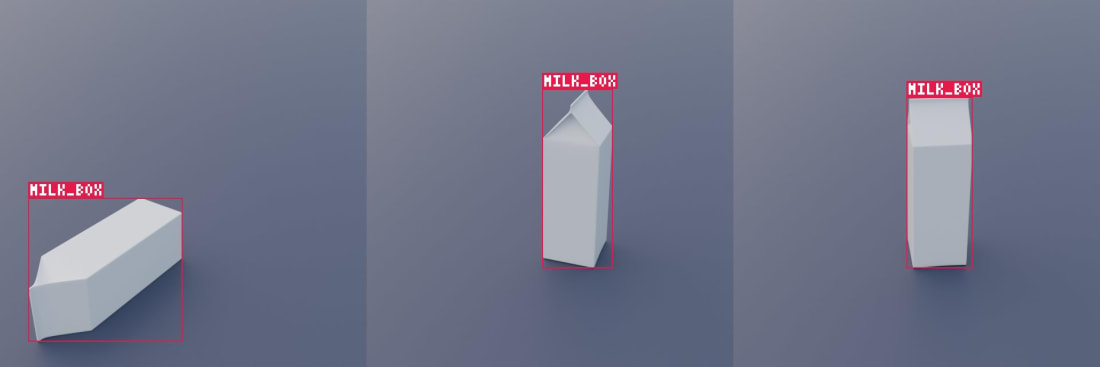
Above: a milk carton from the quick start examples, randomly standing or lying and moved around the floor, with its bounding box label rendered for every image.
A Layout Computer Vision Engineers Already Know
If you have used torchvision or Albumentations, the structure will look familiar. A dataset is described as a composition of augmentation steps. Every augmentation can run with a set probability, take random values from a range or in fixed steps, and be combined with others into random choices or sequences.Each datapoint goes through the same cycle: augment the scene, render the image and its labels, restore the scene, and repeat. The restore step is automatic. Everything an augmentation changed is set back before the next datapoint, so you never end up with drift from one image to the next, and you don't have to list what needs resetting.
Before rendering, Blendmentation can also run sanity checks and skip datapoints with too much overlap between objects, truncation at the frame edge or occlusion. Every skipped datapoint is logged with its reason, so you can find the augmentations that cause problems.
Before generating, visualize your pipeline as a flowchart to check that everything is set up the way you want: which augmentations run, in what order and with what probability. After generating, check the report. It draws the same flowchart with what the dataset actually got, so you can see whether each augmentation ran as often as expected, and whether any of them trigger the skip thresholds for overlap (IoU), truncation or occlusion more often than they should. Both are HTML files that open in any browser.
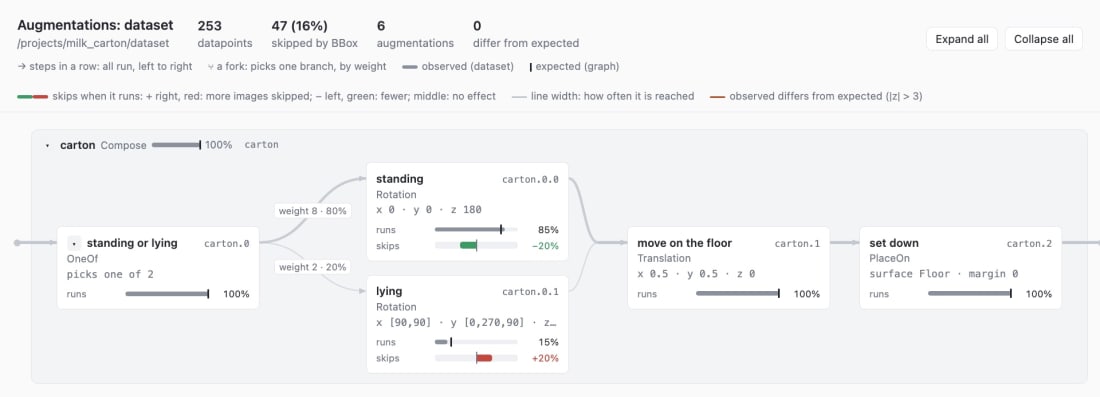
In the report above, 47 of 253 datapoints (16%) were skipped. The flowchart shows why: when the carton is lying, 20% more images are skipped, while standing cartons are skipped 20% less often.
Labels: Much More Than Bounding Boxes
Augmentation is only half of the job. A dataset is only useful with good labels, and Blendmentation generates a wide range of them out of the box:- 2D bounding boxes
- segmentation masks, per class or per instance, including full masks of the parts hidden behind other objects
- depth maps and other render passes
- 6D object poses relative to the camera
- keypoints
- camera intrinsics and extrinsics
- material properties and other scene values
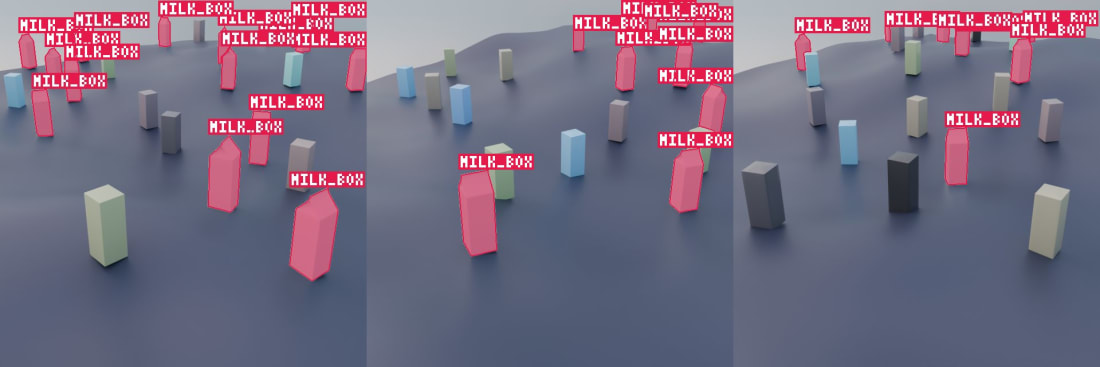
Above: milk cartons scattered on uneven ground among distractor boxes, with a segmentation mask for every carton.
Thanks to Passes and OutputField, you can export practically any value that exists in Blender into the labels: a render pass, a shader AOV, a node input or a custom property. This is a big advantage when you are training a custom model that needs to predict something unusual, such as the amount of rust on a part, the wear of a coating or the roughness of a surface. You randomize that value in the shader, and the exact number ends up in the label for every image.
Export to COCO, YOLO, Pascal VOC and BOP
Generated datasets usually need converting before you can train on them. Blendmentation has built-in export classes for the most popular formats: COCO, YOLO, Pascal VOC and BOP.That means you can go straight from a Blender scene to training an object detection network such as YOLO, a segmentation model (including transformer-based ones built on a ViT backbone) from the COCO masks, or a 6D pose estimation model from the BOP export, without writing your own conversion scripts.
Where It Fits
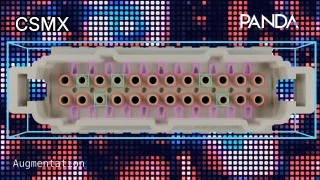
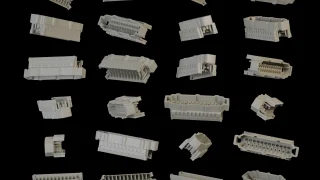
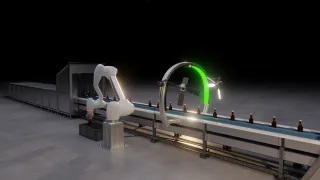
Blendmentation is a good fit when real data is scarce, expensive to label or simply does not exist yet: parts that are still in development, rare defects on a production line, or objects that need precise poses and masks that are hard to annotate by hand. We use the same Blender-based approach in our own synthetic data work, for example in our connector quality control project.Because it is just Python inside Blender, it also fits into existing pipelines. You can generate a few images to check the setup, then run the same script again to render thousands.
Getting Started
The best place to start is the Blendmentation page on our site, with an overview of the features and example outputs. To try it yourself, follow the quick start examples. They walk you through the pipeline and the most commonly used features, from a simple bounding box dataset to randomized materials and scattered objects with segmentation masks.The full documentation covers every augmentation, label type and export format. The source code is available in the Blendmentation repository on GitHub, where you can also download the latest release, report issues or contribute.
If you would rather have the dataset built for you, or need help adapting Blendmentation to your project, take a look at our synthetic data services and get in touch, or book a 30-minute call.